
Getting started
Log in to the subscriber portal
Reach your account, usage, billing, and support pages.
- 1Open the subscriber portal URL from your ISP (or portal.kuntor.app when that is your tenant’s portal).
- 2Enter the username and password provided by your operator.
- 3Submit. You land on Account after a successful login.
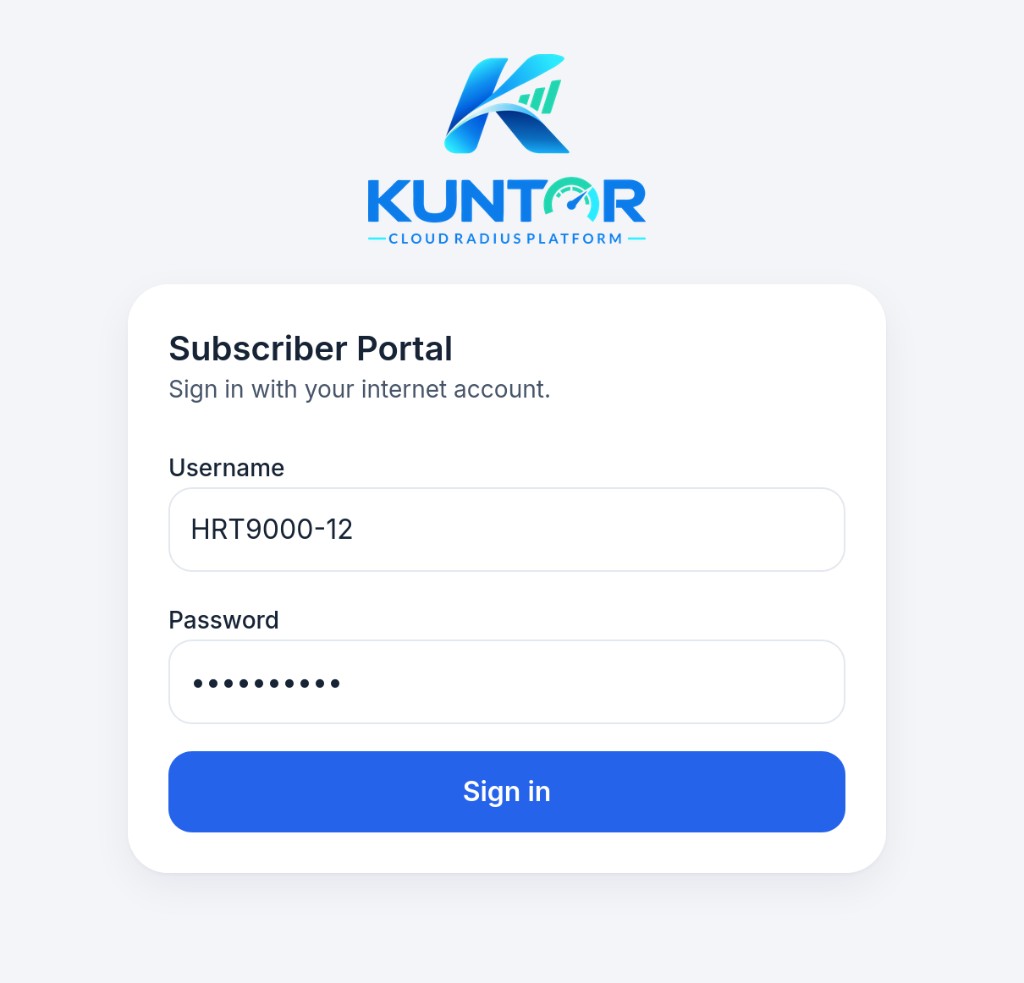
Where in the UI: Portal → Login → Account