
Subscribers and sessions
Online sessions and disconnect
Act on live sessions without logging into every router.
The console shows live sessions for subscribers that are currently accounted as online. From there you can disconnect a session when CoA reaches the NAS.
- 1Open Operations → Subscribers, or open a subscriber and use the Sessions area.
- 2Find the online session (username, NAS, IP, start time).
- 3Use Disconnect when you need to clear a stuck or unauthorized session.
- 4Confirm the session ends and the subscriber can re-authenticate if still allowed.
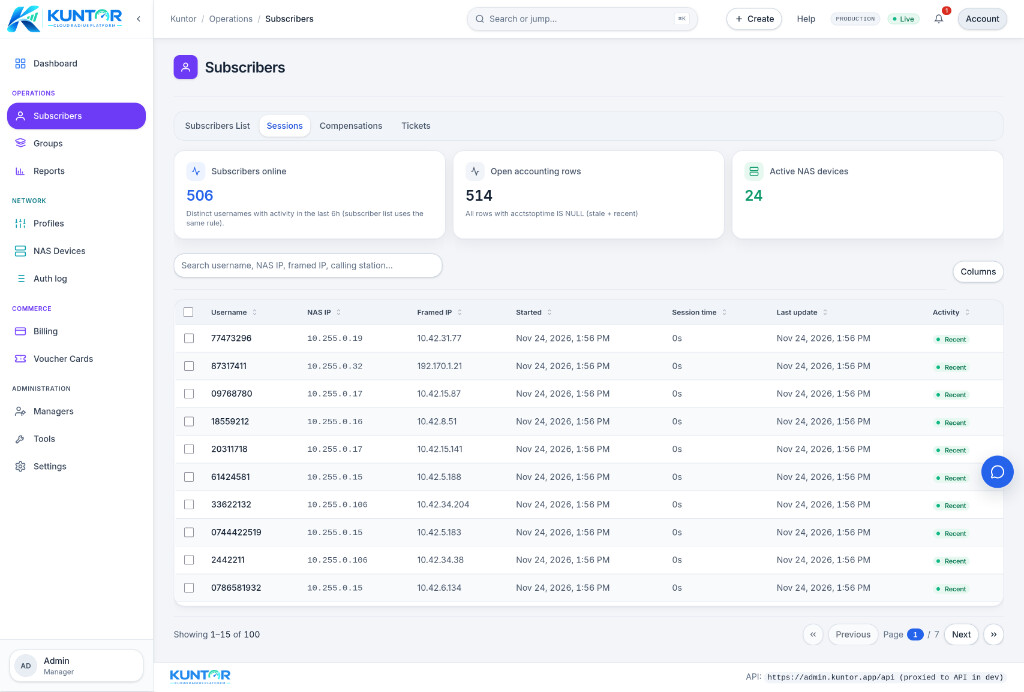
Where in the UI: Operations → Subscribers → Sessions
Related guides
- Create a profile and first subscriberDefine rate, quota, and expiry on a profile, then create a subscriber that uses it.
- Auth log and failed loginsInspect failed authentication attempts from the console.
- Point a MikroTik NAS at KuntorRegister the NAS in the console and aim its RADIUS client at hosted AAA.